Product Development
Photokompressor.
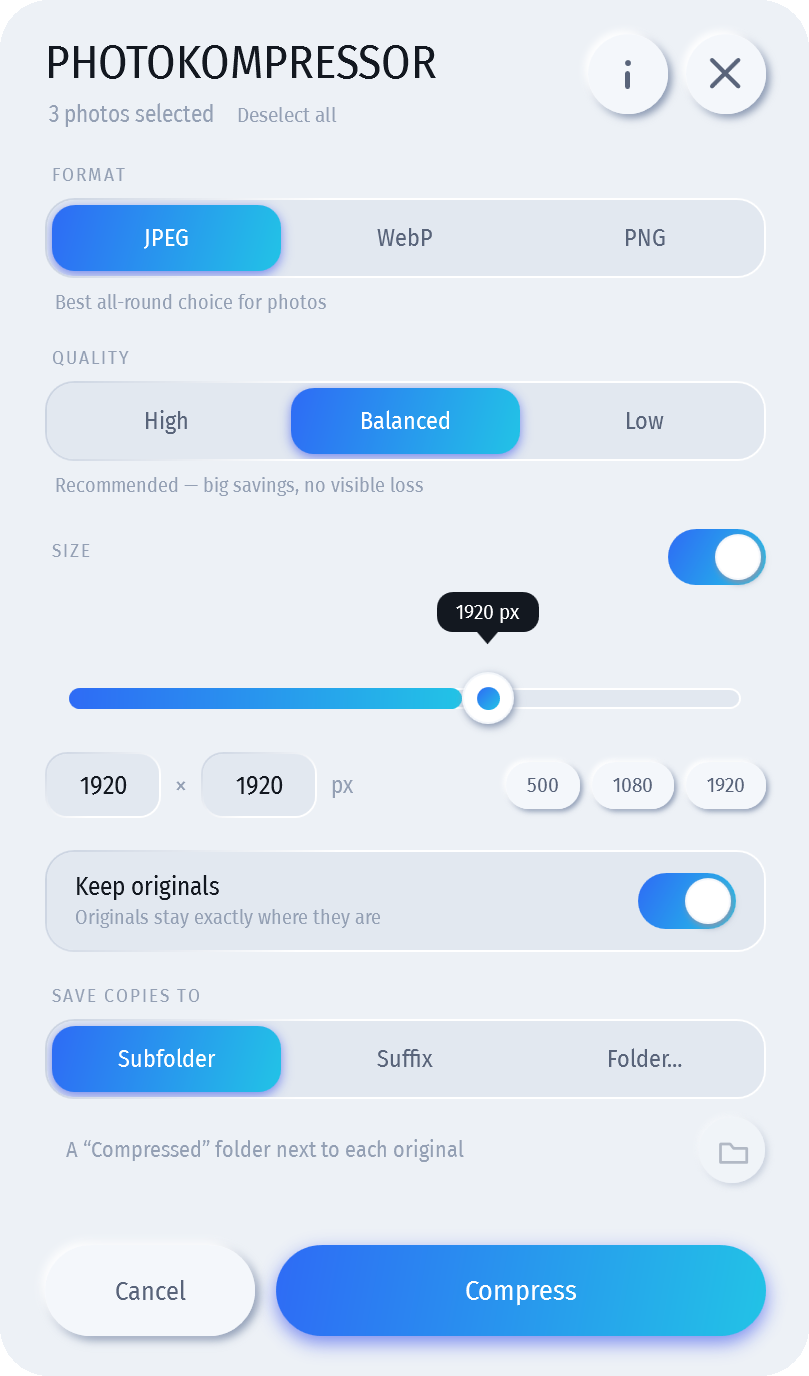
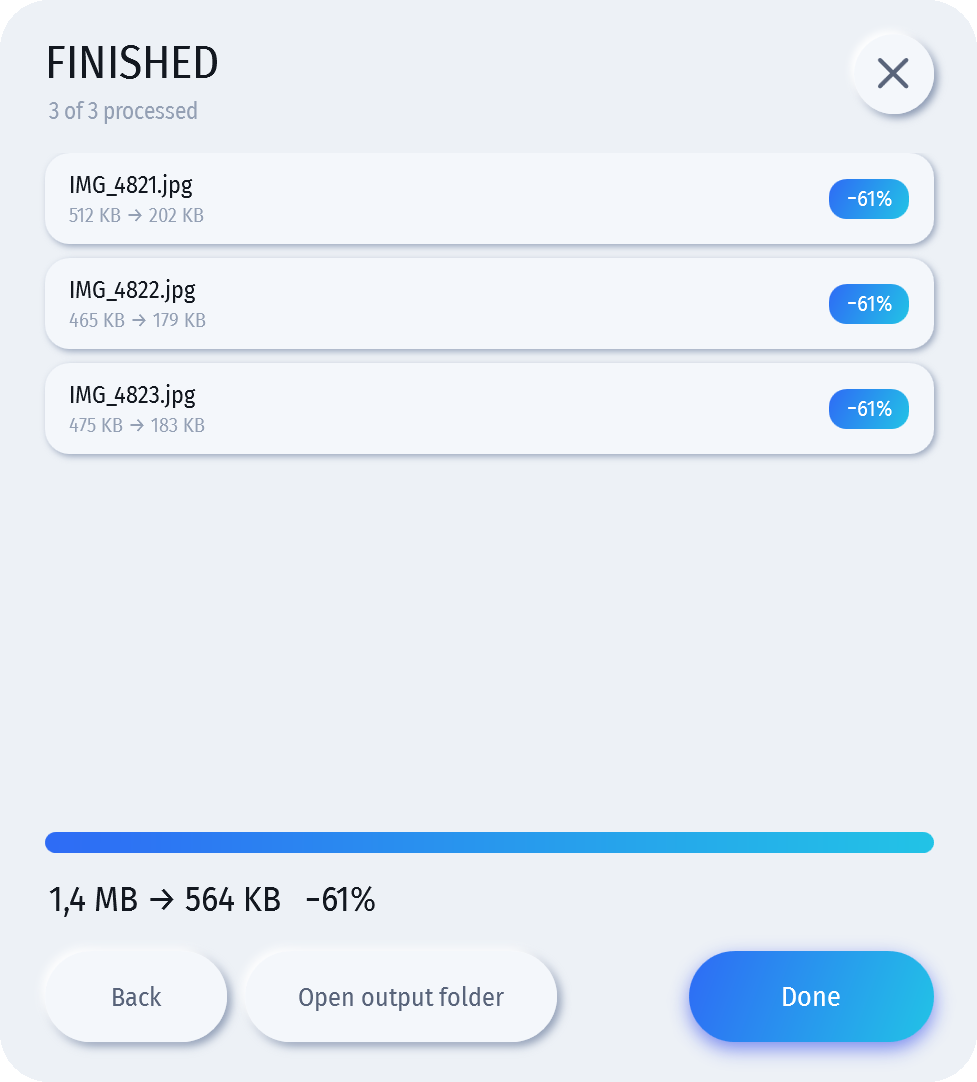
Photos off a phone are far larger than they need to be. Photokompressor squeezes them down — typically 70–90% smaller with nothing you can see — straight from the right-click menu, Finder or Explorer. Select one photo or four hundred, right-click, and a small window opens where your cursor is.
- JPEG, WebP or PNG out
- iPhone HEIC in
- Any size batch
- Optional resize
- Works offline
macOS 1.2.0 · Windows 1.2.0 — free & open source
Needs an Apple Silicon Mac (M1 or newer) on macOS 13 Ventura or later — it isn't notarized by Apple, so the first launch needs one extra click (below)
- Open the .dmg and drag Photokompressor.app onto the Applications shortcut — or run it from wherever you put it, it doesn't need to live there. Eject the disk image when you're done.
- macOS will refuse to open it the first time. The app isn't notarized — notarization needs a paid Apple Developer account, and this project is free. Open System Settings → Privacy & Security, scroll to the bottom, and click Open Anyway next to the Photokompressor line, then confirm. (On macOS 14 and earlier you can instead right-click Photokompressor.app, choose Open, then Open again.) Only needed once.
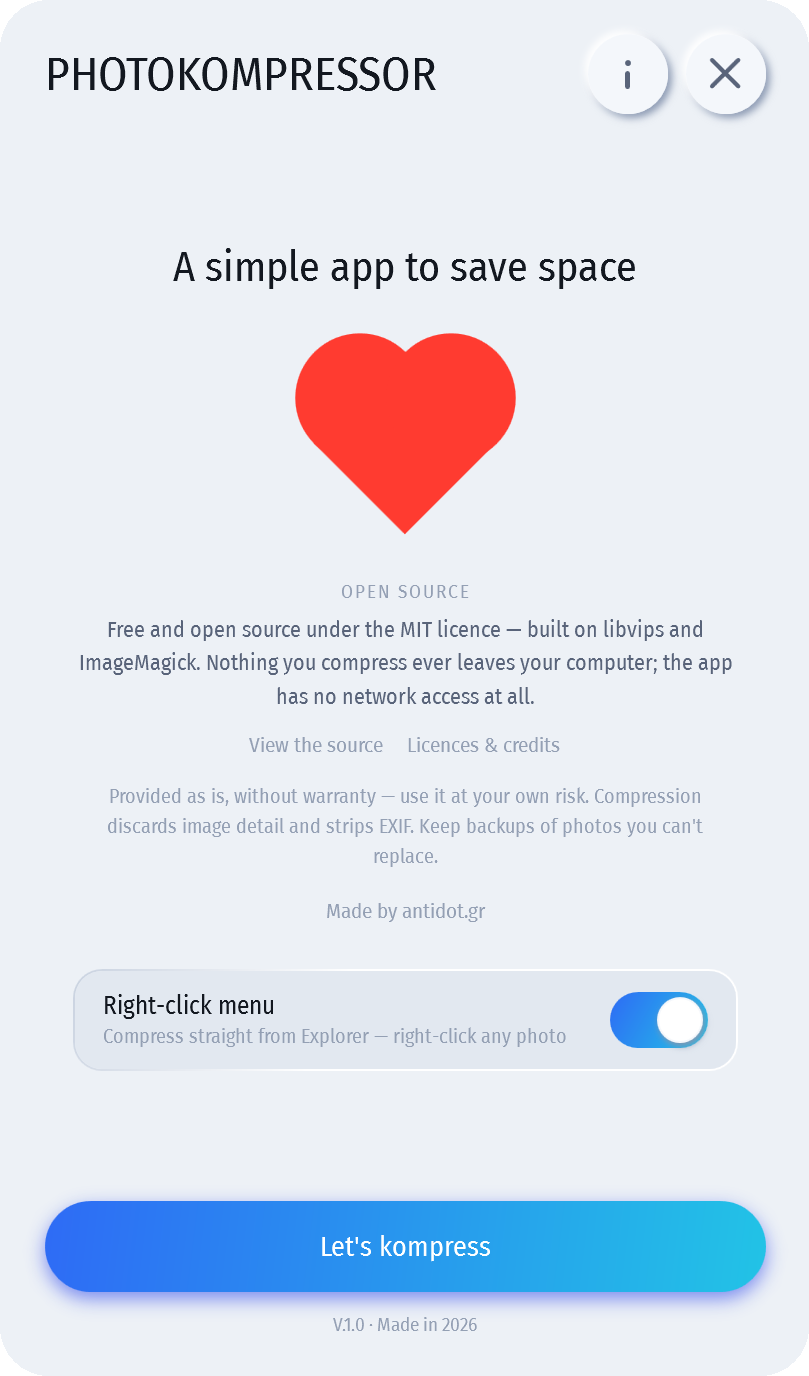
- Click the round gear icon, switch on “Right-click menu”, and you're done. Right-click any photo in Finder and choose Compress with Photokompressor from Quick Actions.
SHA-256 9a9f15a98be1f93da3b7a785e18bdeef1c22a2caf9c760cf920432c0ef4447bc
Needs the .NET 8 Desktop Runtime, which most machines already have — the installer fetches it for you if yours doesn't; with the portable ZIP the app will say so and you install it yourself
Installer — recommended
- Windows will say the publisher is unknown. The app isn't code-signed — a certificate costs more per year than this project does. Choose More info → Run anyway.
- Pick your options. It installs just for you — no admin — and offers a desktop shortcut and the “Compress with Photokompressor” right-click menu (ticked by default). Both can be changed later from the app.
- Right-click any photo. On Windows 11 the entry sits under Show more options. Uninstall from Settings → Apps whenever you like; it removes the menu entry too.
Portable ZIP — no installer, nothing written outside its folder until you switch the menu on
- Unblock the ZIP before extracting it — right-click it, Properties, tick Unblock, OK. Windows otherwise treats every extracted file as downloaded-from-the-web.
- Extract it somewhere permanent. The right-click menu remembers where the app lives, so moving the folder afterwards breaks the entry.
- Click the round “i”, switch on “Right-click menu”, and you're done. Same unknown-publisher warning applies on first run.
SHA-256 installer bec0d98613ec7a1c843dd57b5804dde0b592ff5449fa1f92f6b1d6cccce84d35
SHA-256 portable ZIP fb097067e65b1d85be8a8a4e256cd932b98024229a2f53bb6276ac91239dcbd9
Source on GitHub All releases MIT licence Third-party notices
Please keep backups. Compression throws away image data on purpose, and EXIF and GPS tags are stripped from the output. If you turn off Keep originals the originals go to the Recycle Bin on Windows or the Trash on macOS — on Windows the app refuses to run that way anywhere it can't use the Recycle Bin, but neither a Recycle Bin nor a Trash is a backup. Provided as is, without warranty, and used entirely at your own risk.
Nothing you compress ever leaves your computer. There is no account, no upload, no telemetry — the app makes no network connections at all. Under the hood it uses libvips built against mozjpeg, which is why the files come out so much smaller than a plain “save as JPEG” at the same visible quality.
The case study.
- The problem
- Phone photos are many times larger than email, chat or a website needs, and resizing them one by one is tedious.
- Who it is for
- Anyone who shares photos, and teams that publish images to the web.
- How it was built
- Native right-click tools: .NET on Windows, Swift on macOS. HEIC in; JPEG, WebP or PNG out; fully offline. Free and open source under the MIT licence. Designed and coded with AI coding agents.
- Results
- Version 1.2.0 released for Windows and macOS.
Found a bug, or want it to do something it doesn't? Let's talk —
photokompressor@antidot.gr